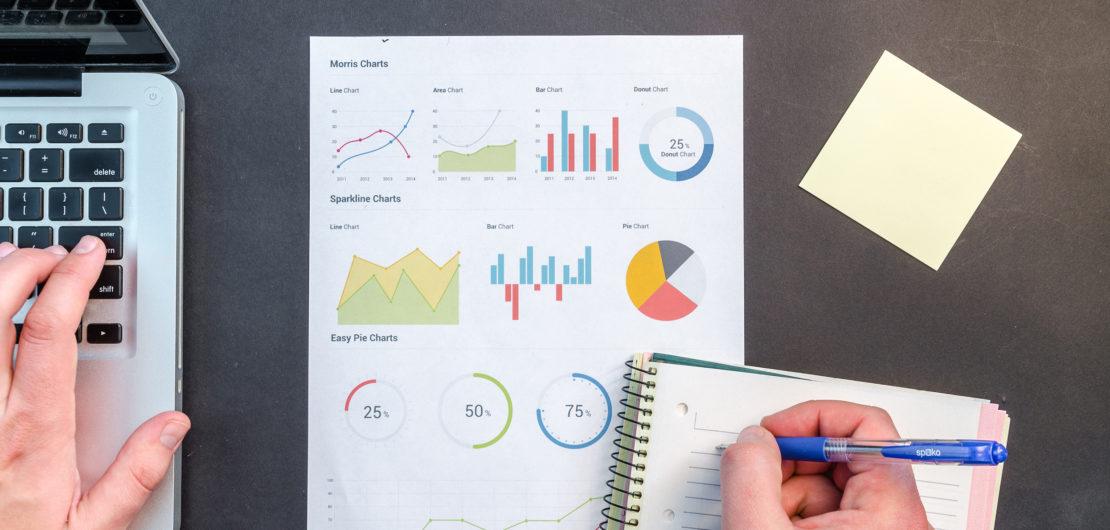
A good poster works in multiple ways. It can be used as a good advertisement for your area of work, an effective way to start a debate, and a great way to raise awareness of an issue. There are many pieces of software that can be used for creating posters. All the principles discussed can be used with the software of your choice
Online tools for poster creation
Some online tools that are commonly used for creating all types of posters are:
Canva
Canva is a free-to-use online graphic design tool. Use it to create social media posts, presentations, posters, videos, logos and more.
Adobe Express
Fast and free editing for images, videos, and documents is just a click away with our Quick Actions. Resize content, convert files, and add effects in seconds.
ThingLink
Bringing images to life by adding text, web links, videos and audio. They can be shared or embedded online.
Piktochart
Piktochart is both an infographic and presentation app that allows you to turn boring data into something more appealing in a few simple steps. There is a free version, with the paid for version giving you more template options, with a number of templates you can customise.
Additional useful tools
I heart .pdf - Merge, split, compress, convert, rotate, unlock and watermark PDFs with just a few clicks.
I heart .jpg - Edit your photos online.
Coolors colours - Create a palette to work with or get inspiration from this online colour tool.
Images
Pixabay - Free images & royalty-free stock; Over 2.7 million+ high-quality stock images, videos and music shared by our talented community.
Pexel - Free stock photos, royalty-free images & videos shared by creators.
Max Pixel - Stock images.
Unsplash - Stock images and pictures.
Icons
Icon resources - 13 Icon Resources For eLearning Designers.
27 best sets of free icons - Free icons you can download.
Icon8 - Icons, illustrations, photos, music, and design tools.
Noun Project - Icons and photos for all your projects.